Mac utility for DJs · Updated May 4, 2026

The same track ends up in three folders.

That is when cleanup stops feeling like housekeeping and starts feeling dangerous. One copy came from a promo pool, one still powers an old crate, one lives on the archive SSD, and the wrong delete can break the file your DJ library still trusts.

DJ Duplicate Cleaner is built for that exact mess. It scans the folders you choose, surfaces duplicate groups and broken DJ-library paths, and lets you keep the version you actually play before cleanup happens.

$9.99 one-time purchase Runs on your Mac Serato, VirtualDJ, Traktor Rollback-ready history
Recorded from the live app

Watch the shipping app do the job.

This preview is cut from a real screen recording of the macOS app. The page shows the actual workflow: scan roots, duplicate review, keeper choice, and cleanup history.

Open the Mac App Store Support Privacy Released on the U.S. Mac App Store on May 3, 2026.

Real app capture on macOS. Not a mockup. Not a slide deck.

Where DJs get burned

The risk is not storage. It is track trust.

A generic duplicate cleaner sees spare files. A DJ sees intros, edits, cue-ready copies, archive drives, and library paths that fail at the worst possible time.

Promo imports

The same song lands again with a different filename.

Promo folders, downloads, and last-minute edits keep multiplying. The names drift, the folders drift, and the duplicate group stops looking obvious.

Failure mode: the wrong copy survives because the tool never understood the context.
Archive drives

The old SSD comes back and the library gets messy again.

Good copies reappear from archived storage, stale copies stay in the main folder, and it stops being obvious which path your DJ software should keep trusting.

Failure mode: the cleanup run removes the copy with the better tags, artwork, or active path.

Broken references

The crate survives, but the file behind it does not.

Serato, VirtualDJ, and old library history can keep pointing at paths that died months ago. You only notice when the track is needed.

Failure mode: duplicates look cleaned up, but the playable file is gone.

What the app shows you

Everything important stays visible before cleanup.

The point is not to race through deletion. The point is to see the dangerous parts early enough to make a good call.

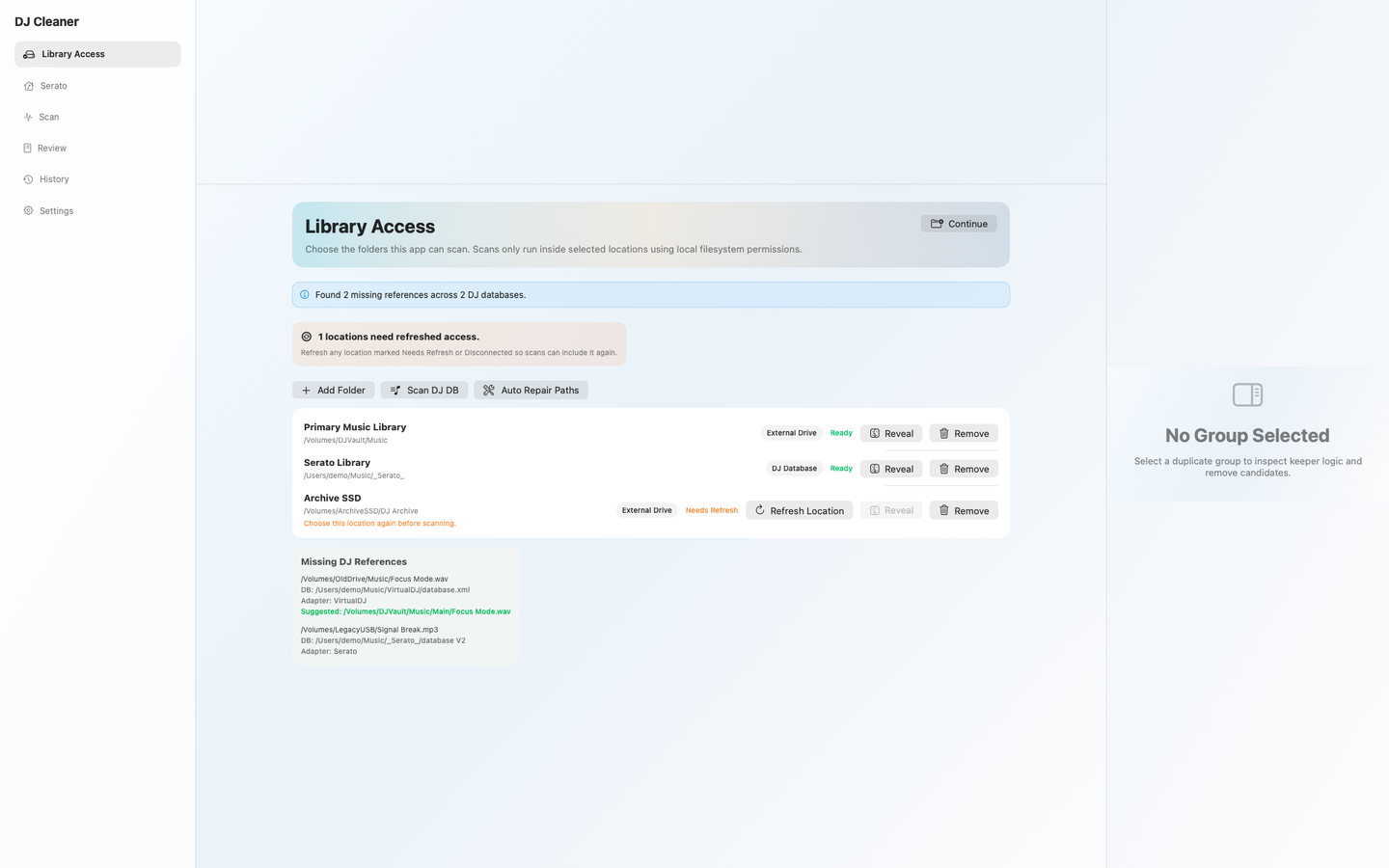
DJ Duplicate Cleaner library access screen
Library access Mac folders DJ databases

Pick the scan roots you actually trust.

Main music folders, DJ database locations, and archive drives stay explicit. Missing access is surfaced before it poisons the scan.

Why it mattersThe app tells you what it can see before the cleanup decision is on the line.
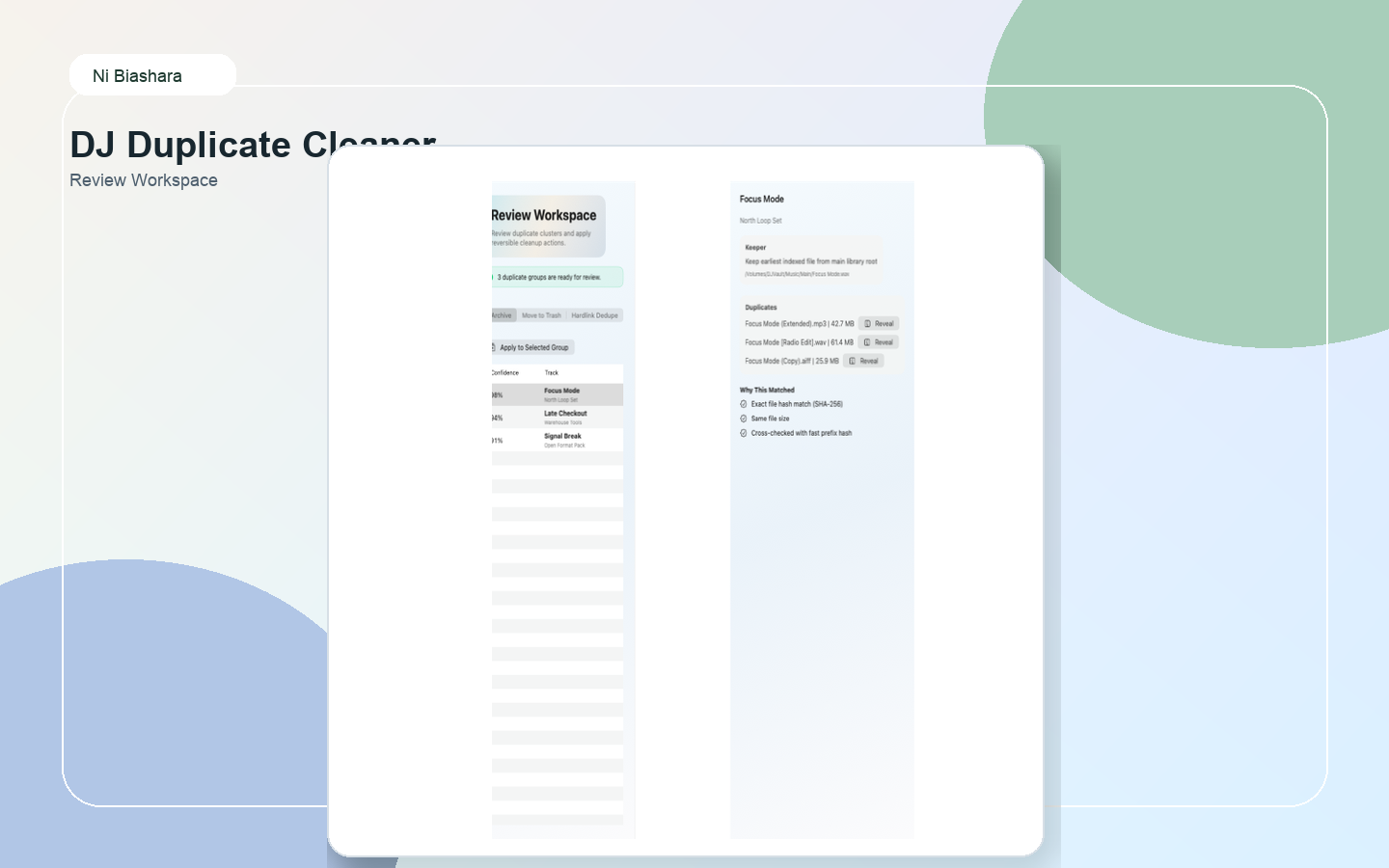
DJ Duplicate Cleaner review workspace
Review workspace Keeper choice Duplicate groups

Choose the keeper on purpose.

Duplicate groups, source folders, and keeper logic stay in front of you so the copy that survives is the one you actually want to play.

Why it mattersThe path, the duplicate group, and the decision sit together instead of being scattered across the run.
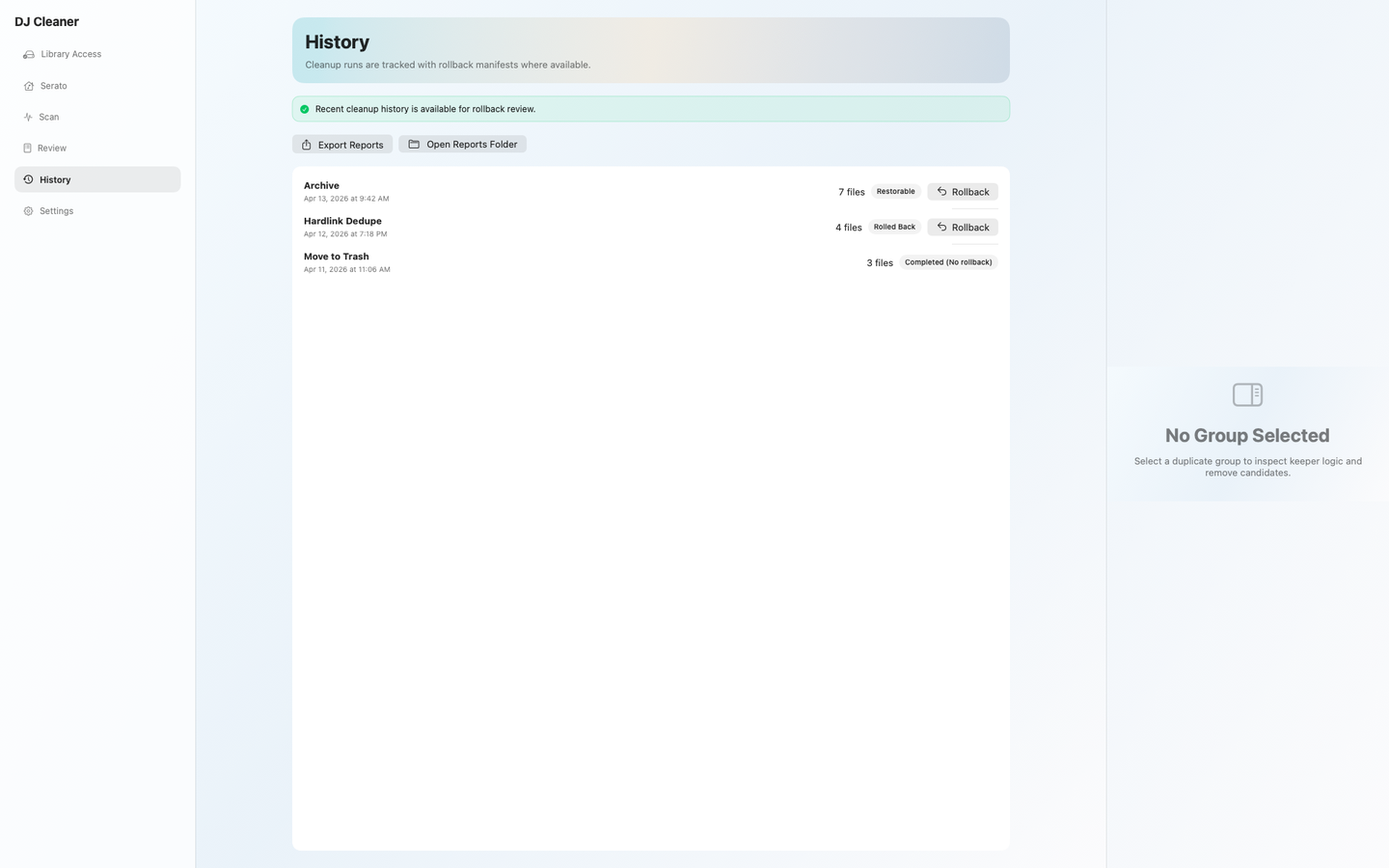
DJ Duplicate Cleaner cleanup history
History Rollback Restore state

Know what can be rolled back.

Cleanup history makes it obvious which runs were archive-safe, which ones were reversed, and which ones had no rollback path.

Why it mattersIf a cleanup run needs to be undone, the page shows whether you have a path back.
How DJs actually use it

Cleanup stays deliberate.

The workflow stays narrow on purpose: choose the scan roots, review the duplicate groups, keep the right file, and leave yourself a path back.

Step 01

Choose the folders that count.

Point the app at the music folders, DJ library locations, and archive drives that actually matter instead of letting it wander through the whole disk.

Step 02

Run the scan and check the totals.

See duplicate groups, possible savings, and missing-path clues before you touch cleanup.

Step 03

Read the keeper logic before you confirm.

Make sure the file that survives is the one with the path, metadata, and DJ-library value you actually want.

Step 04

Use history if the run needs to be undone.

Archive-safe runs and rollback-ready history are part of the job, not an afterthought buried after cleanup.

Before you buy

Simple purchase. Local workflow.

Apple handles the sale. Ni Biashara handles the support. The current app does not require a Ni Biashara account.

What you get

The app is sold as a one-time Mac App Store purchase and runs as a local utility on your machine.

  • Price: $9.99 one time.
  • Platform: macOS 14.0 or later.
  • Workflow: duplicate scan, keeper review, cleanup history.
  • Sign-in: no Ni Biashara account required in the current app.

If your library is full of doubles and bad paths, clean it with the right file still standing.

Buy on the Mac App Store Support Privacy One-time purchase. Public support route. No account required.